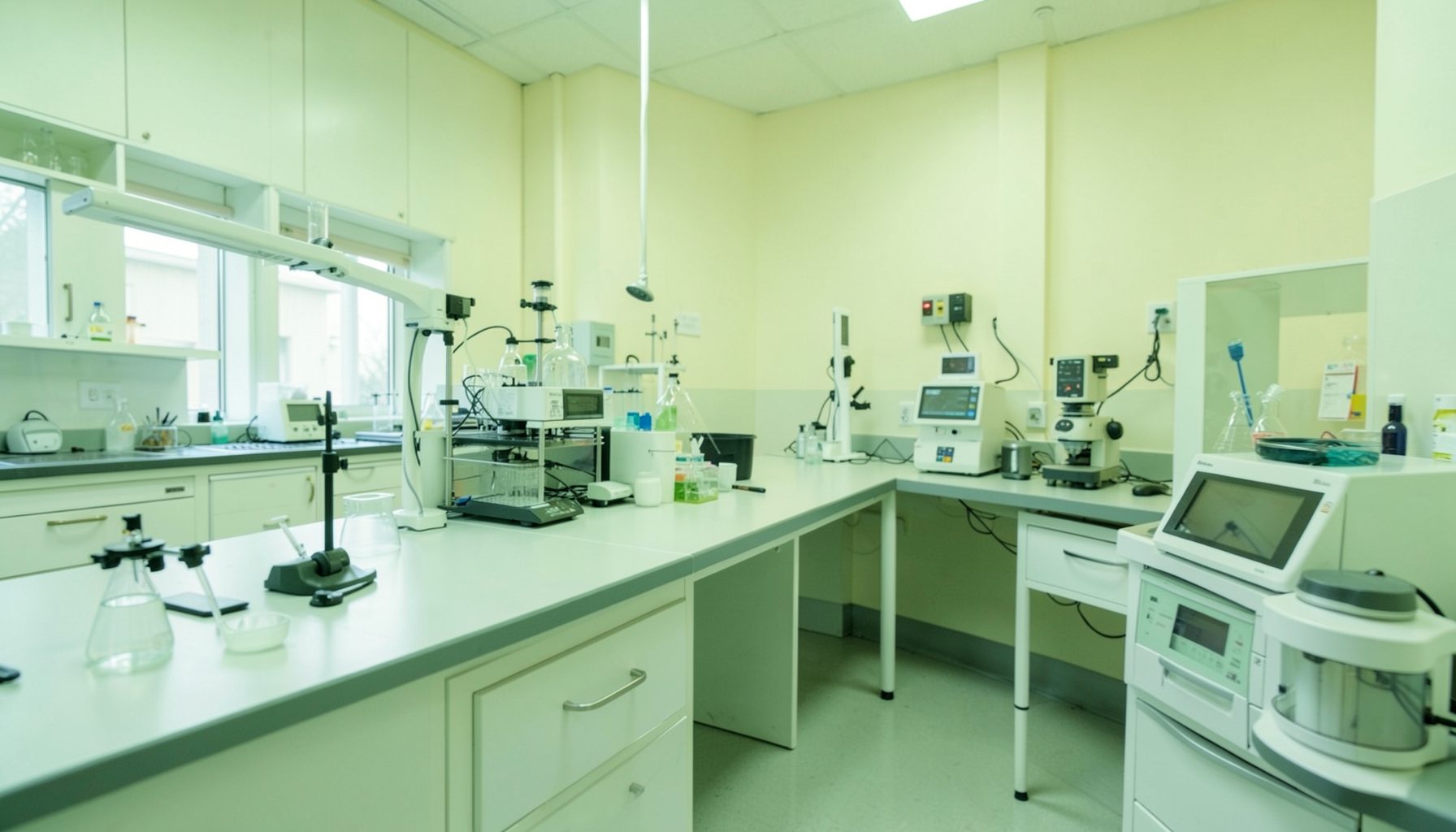
How to Develop a Communication Log for TB Lab Equipment Service History
Reliable equipment is central to accurate tuberculosis testing. Microscopes, biosafety cabinets, centrifuges, incubators, GeneXpert instruments, refrigerators, freezers, and other devices must remain safe, functional, and fit for purpose. When maintenance and repair information is scattered across invoices, emails, notebooks, or staff memory, the laboratory cannot easily verify what happened or decide what needs attention next.
A communication log creates one shared record of equipment service history. It captures requests, decisions, work performed, parts replaced, results of testing, and follow-up responsibilities. The log is useful for routine preventive maintenance as well as unexpected breakdowns, calibration problems, safety concerns, and vendor visits.
The record should be simple enough for daily use but detailed enough to support traceability. It should also fit the laboratory’s quality management system and local resources. The goal is not to create paperwork for its own sake. The goal is to ensure that every important equipment communication leads to a visible, documented action.
Why Equipment History Matters
Service history helps laboratory personnel understand whether an instrument is dependable and whether recurring problems may affect test quality. For example, repeated temperature excursions in a specimen refrigerator may indicate a failing thermostat, poor door sealing, inadequate power protection, or an unreliable monitoring device. A well-maintained log makes those patterns easier to identify.
The record also protects continuity when staff change roles or vendors change. A new equipment focal person should be able to see the last service date, unresolved faults, warranty status, and recommended maintenance interval without searching through personal files. This is especially important for TB laboratories where interrupted testing can delay diagnosis and treatment decisions.
A communication log supports several Quality Systems Essentials, including equipment, documents and records, assessment, facilities and safety, and continual improvement. Laboratories beginning their quality journey can use the Phase 1 guidance to place equipment documentation within a broader quality management structure.
Define The Log's Scope
Start by deciding which equipment will be included. A laboratory may use one log for all critical devices or separate logs for major equipment groups. At minimum, include instruments and systems whose failure could affect specimen integrity, test accuracy, biosafety, result reporting, or service continuity.
The scope should cover both internal and external communication. Internal examples include a technologist reporting an abnormal noise, a supervisor approving equipment downtime, or a quality officer requesting a temperature review. External examples include a service engineer’s visit, a manufacturer’s technical recommendation, a calibration certificate, or a request for replacement parts.
Assign clear ownership. One person can maintain the log, but every staff member should know how to report an issue. The equipment focal person may check completeness, while the laboratory manager authorizes repairs, downtime decisions, or escalation. If a paper log is used, identify where it is stored. If an electronic file is used, define access, backup, and version control.
Choose Fields That Support Traceability
Each entry should answer five basic questions: Which item is involved? What happened? When did it happen? Who communicated or acted? What is the current status? These questions prevent vague entries such as “machine repaired” or “engineer contacted,” which provide little evidence for future review.
Use a unique equipment identification number that matches the asset label and equipment inventory. Record the manufacturer, model, serial number, location, and critical function in a reference section rather than rewriting all details in every event entry. If the laboratory operates several similar instruments, the identifier is essential for avoiding confusion.
Include enough detail to connect the original problem with the final resolution. A strong entry may describe an error code, alarm, temperature reading, affected test, action taken, service provider, parts used, post-service checks, and any restrictions placed on the equipment. Attach supporting documents when possible, such as quotations, work orders, calibration reports, photographs, or acceptance records.
The wording should be factual and neutral. Record “centrifuge stopped during a run at 10:20” rather than “centrifuge failed again.” Objective language helps during audits and prevents assumptions from being mistaken for verified findings.
Record Service Events Consistently
A standardized format makes entries easier to complete and review. Whether the log is paper-based, spreadsheet-based, or part of a laboratory information system, use the same fields for all equipment service communications.
| Field | What to record | Example |
|---|---|---|
| Date and time | When the issue or communication occurred | 14 March, 09:30 |
| Equipment ID | Asset number and equipment name | TB-PCR-04, molecular analyzer |
| Reported by | Person identifying the issue | Laboratory technologist |
| Problem or request | Clear description of the concern | Repeated temperature alarm |
| Immediate action | Steps taken to protect work | Testing paused; samples moved |
| Contact and reference | Vendor, engineer, or internal contact | Service provider, ticket 1842 |
| Service performed | Inspection, repair, calibration, or advice | Sensor replaced |
| Verification | Checks completed after service | Temperature stable for 24 hours |
| Status | Open, monitoring, closed, or escalated | Closed after supervisor review |
| Follow-up | Owner and due date for remaining work | Quality officer, 20 March |
The person making the entry should sign or use a traceable electronic identifier. The person who verifies the equipment should be identified separately when possible. This separation helps distinguish reporting from approval and confirms that the instrument was actually assessed before returning to routine use.
For planned preventive maintenance, create the entry before the scheduled date and update it after the service occurs. For an unplanned breakdown, make the first entry as soon as practical, then add updates rather than replacing the original information. Preserving the sequence of events is important when investigating delays, repeated faults, or testing interruptions.
Turn Records Into Quality Decisions
A log becomes valuable when the laboratory reviews it routinely. The equipment focal person can check open entries weekly, while the quality team can examine trends monthly or quarterly. Review should include overdue maintenance, repeated faults, long repair times, missing verification, and equipment that remains under observation.
Link the service record to nonconformity reports, risk assessments, corrective actions, and downtime records when relevant. For instance, if a biosafety cabinet fails certification, the service entry should identify the restriction on use and any related corrective action. If a refrigerator excursion affects stored reagents, the incident and disposition of materials should be documented through the appropriate quality process.
Use the history to support practical decisions. Repeated repair costs may justify replacement. Frequent delays from one vendor may require a new service agreement. A pattern of user errors may indicate the need for refresher training. An instrument with no recorded preventive maintenance may require an immediate review, even if it appears to be working.
The log should not be treated as a substitute for equipment qualification, calibration, performance verification, or safety inspection. Instead, it provides the communication trail that connects those activities and demonstrates that findings were addressed.
Practical Recommendations For Daily Use
A sustainable log is one that staff can complete quickly and supervisors can understand without extensive explanation. Before implementation, test the format with one or two high-priority devices and revise fields that create confusion or duplicate existing records. Supporting downloadable materials can help laboratories adapt documentation approaches to their available resources.
Apply these practices when setting up the process:
- Place the log where equipment problems are first reported, or provide an accessible electronic form.
- Use mandatory fields for equipment ID, date, reporter, problem, action, status, and follow-up.
- Define response times for urgent safety issues, instrument downtime, and routine service requests.
- Require verification before equipment returns to patient testing or other critical work.
- Review unresolved entries at a standing quality or laboratory management meeting.
Train staff with realistic examples, including a power interruption, a failed temperature check, an instrument error code, and a missed maintenance visit. Explain which events require immediate escalation and which can be recorded during the normal workday. The user instructions can support consistent use of broader quality management tools and documentation practices.
Keep The Log Current And Useful
Document control is essential. Give the log a title, owner, version or revision date, and retention period. For paper records, use permanent ink, sequential pages, and a method for correcting errors without obscuring the original entry. For electronic records, restrict editing rights, back up files, and preserve an audit trail where feasible.
Review the format after audits, major equipment incidents, or changes in service arrangements. Remove fields that are never used, clarify terms that staff interpret differently, and add fields when recurring investigations show missing information. A short, complete entry is more useful than a long form that personnel routinely bypass.
Begin with the equipment that presents the greatest risk to TB testing and biosafety. Label each item, establish the communication route, and record the next scheduled service activity. Then review the first month of entries with the laboratory team and use the findings to strengthen follow-up. Put the log into operation, assign responsibility, and make every service decision visible from report to verification.